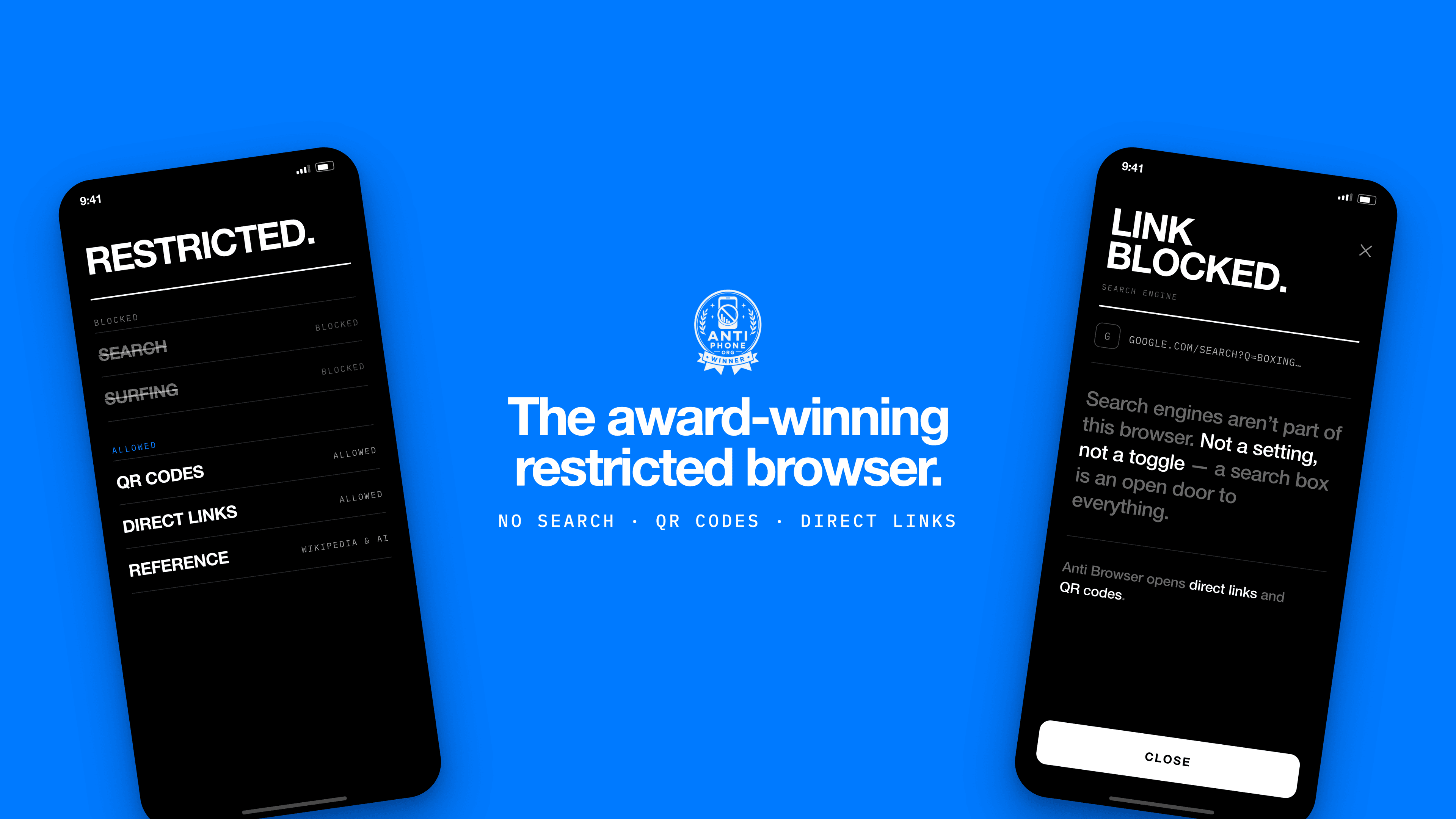
Anti Browser
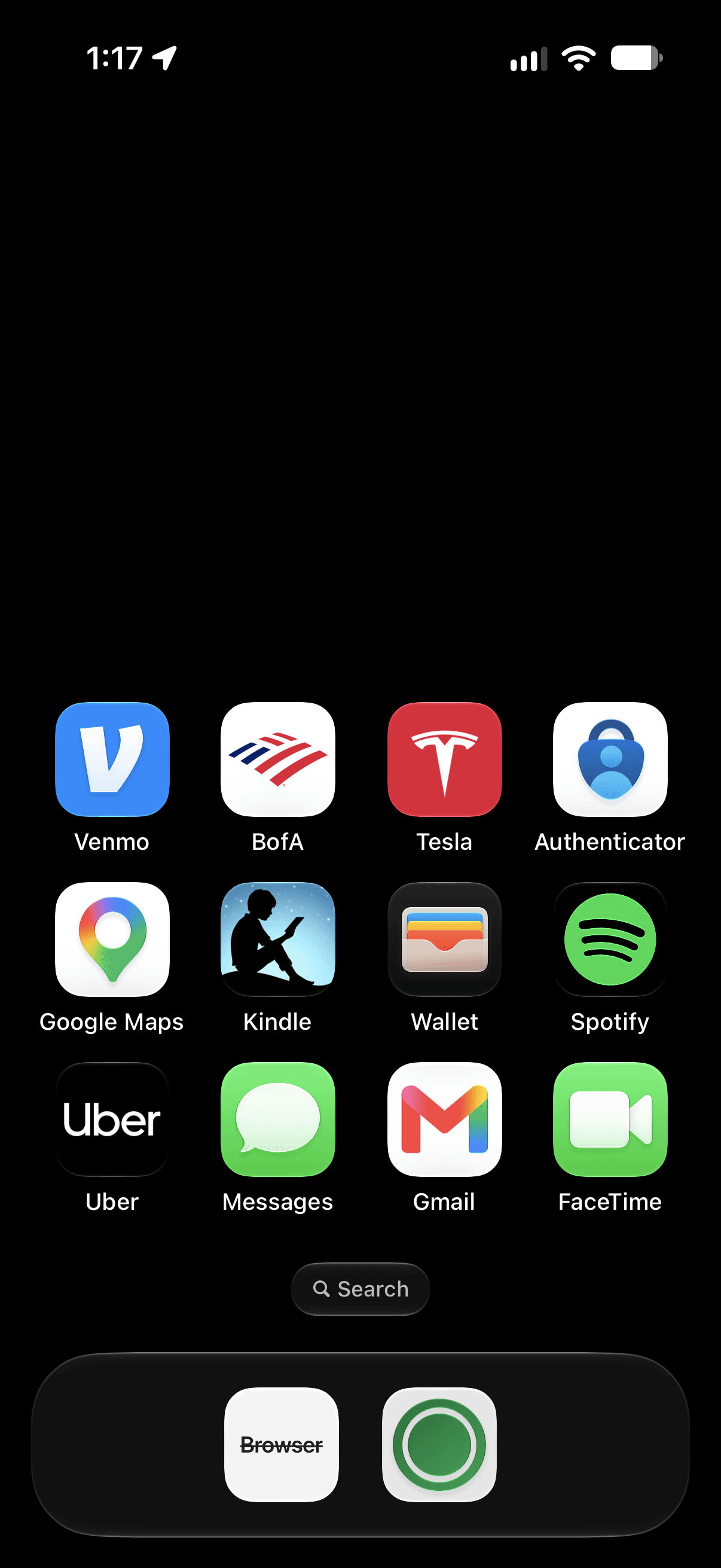
Replaces Safari, so the web can't stand in for the apps you deleted. It opens only the links you're sent, from texts, emails, and QR codes, with no search or feed to wander into.
iPhone, iPad, Mac
Less time on your phone. More focus at your computer. Personal setup support included.
The average adult spends 6 hours a day on screens, 91 days a year. Most fixes lock the apps and leave them one tap away, so every day becomes a willpower test you eventually fail. The system removes what you can live without and paces what you can't.
Replaces Safari, so the web can't stand in for the apps you deleted. It opens only the links you're sent, from texts, emails, and QR codes, with no search or feed to wander into.
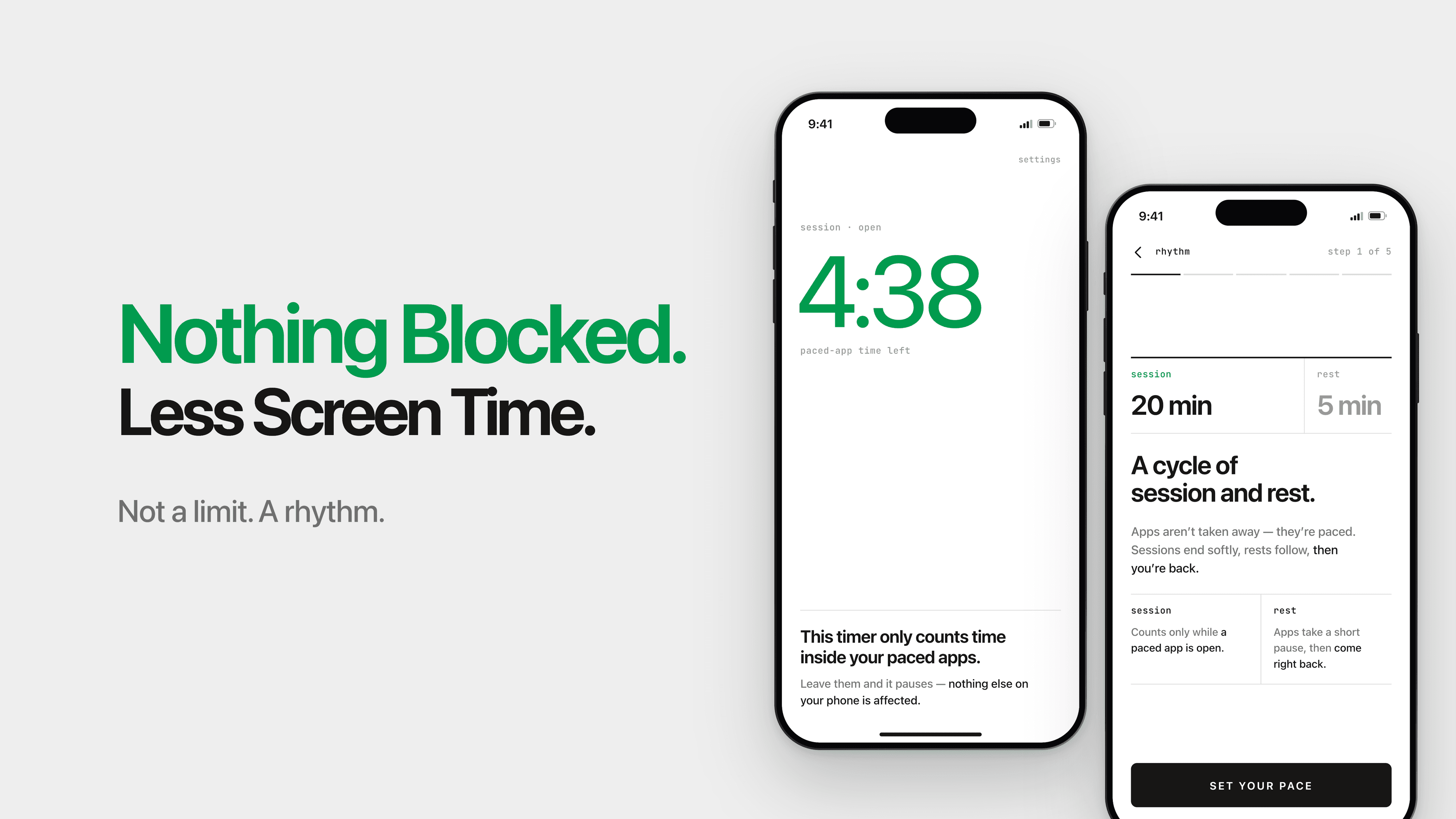
Paces the apps you need but overuse. Short sessions with rests between them, so you stop when you're done instead of an hour later.
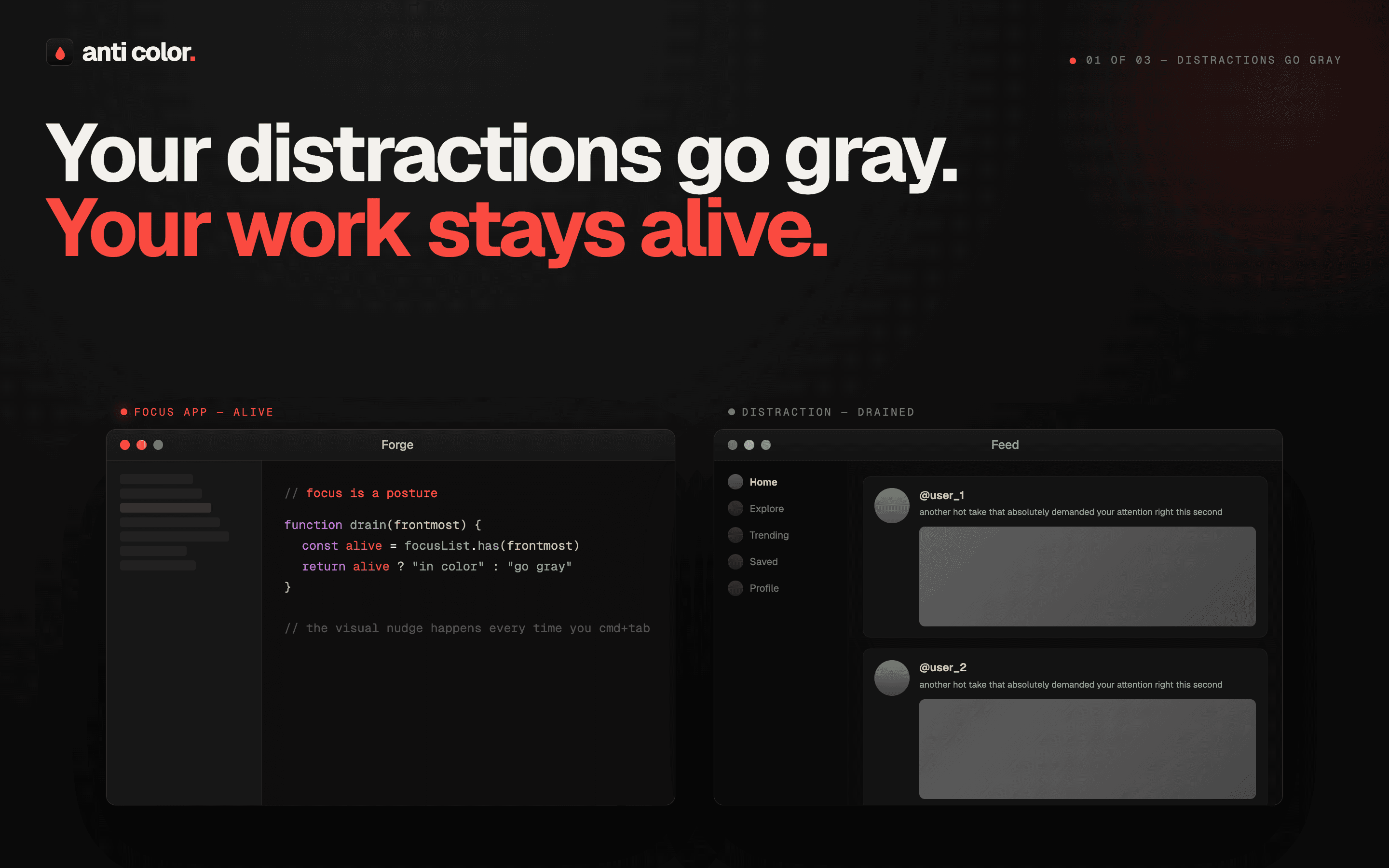
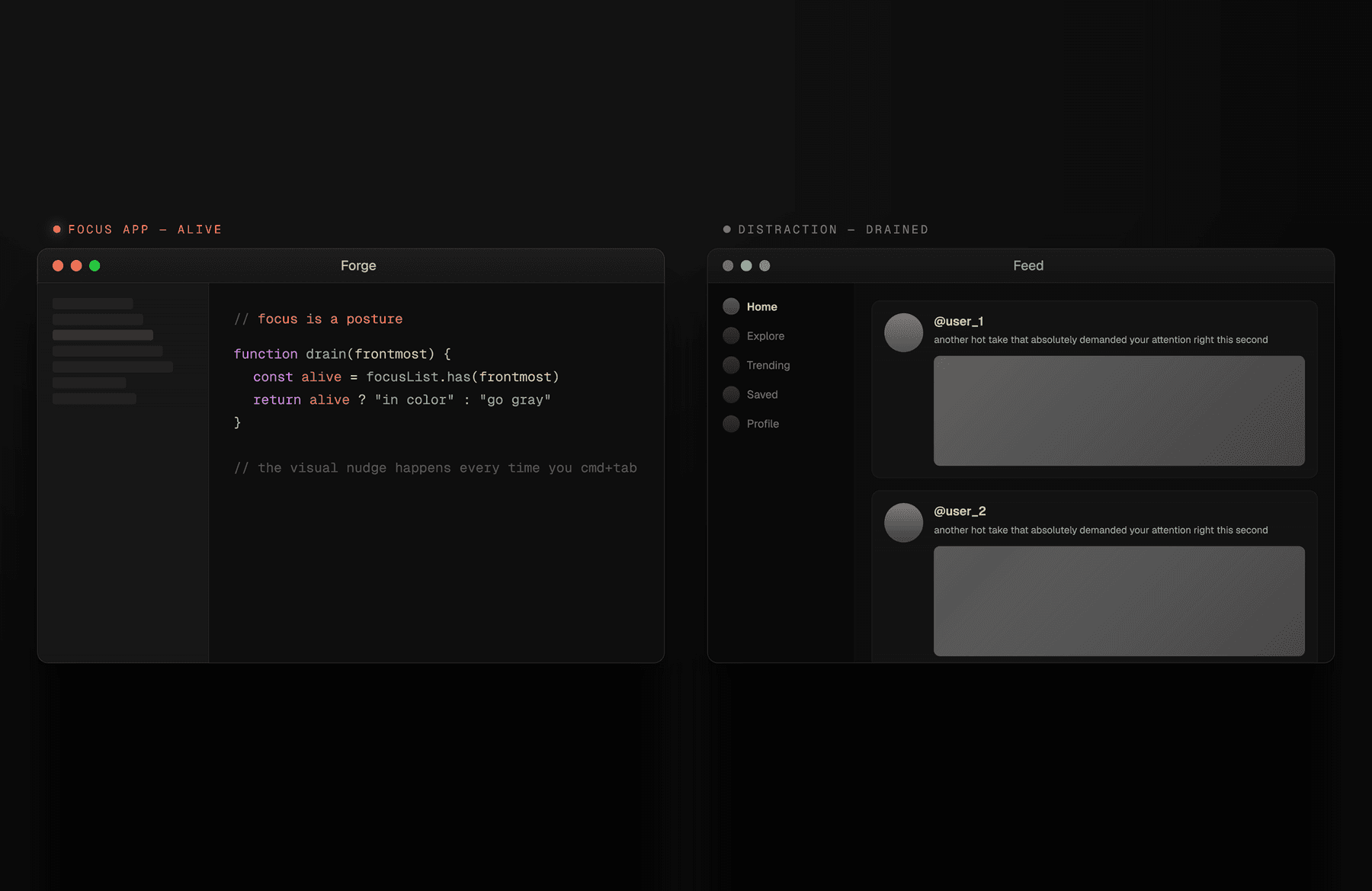
Brings the system to your Mac or PC. Distracting apps fade to gray the moment you open them, and your work stays in color.
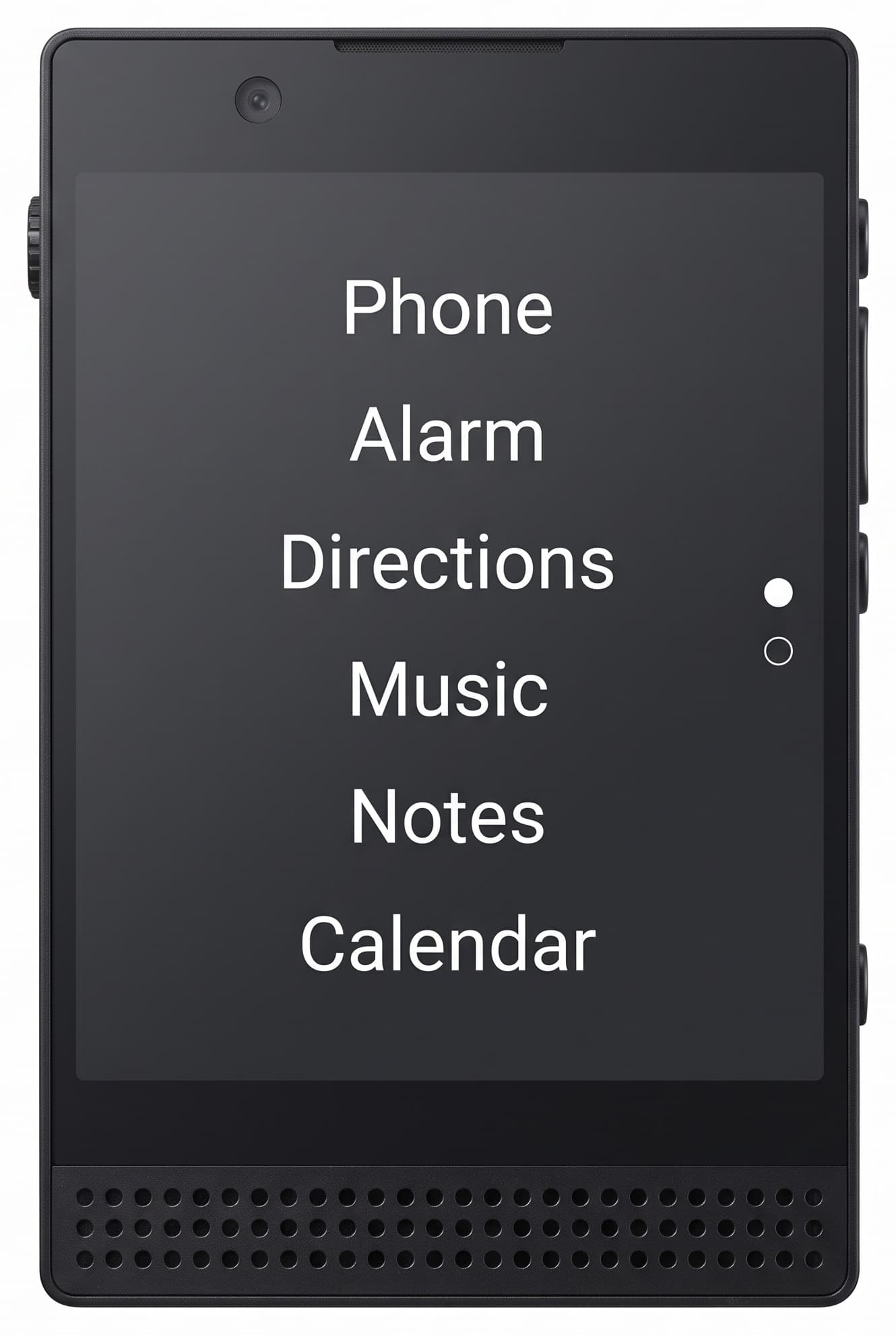
Not a dumber phone. A quieter one. A dumbphone like the Light Phone III takes away the distractions, and everything else with it. The system takes away only what pulls at you. Your group chats, your wallet, and the apps your life runs on stay.
I’ve been bricking my phone to eliminate mindless phone surfing but I still need to use a web browser occasionally for things like QR menu codes and links that my bank sends me. I’ve looked on so many Reddit boards for a solution and randomly found this on the App Store. It’s exactly what I needed and works well. Thank you for making this!
I have been struggling with reducing screen time. Tried many apps and extensions to block or reduce doomscrolling, but all were too easy to deactivate. Then I tried deactivating Safari altogether, but sometimes not being able to open links is very inconvenient. This browser is the perfect solution. Thank you so much!
I don't keep any distracting apps on my phone, but Safari was still a gateway to endless web surfing. Anti Browser is a very thoughtful and well crafted solution to this problem.
Everything above. Set up in about 20 minutes, yours for life.
Everything above, plus a check-in every Monday for 12 weeks.
The dumbphone route costs $899 for a Light Phone III. This works on the phone you already own.
Try it for 30 days. If your screen time hasn't dropped, or it isn't right for you, email us for a full refund.
Anti Browser handles the web. The bundle adds Anti Screen Time for apps you need but overuse, Anti Color for computer distractions, and the Transformation Guide to bring the setup together. All three app unlocks are lifetime.
Keep it, and let Anti Screen Time pace it. A rhythm of short sessions and rests means you can post, reply, and check in without losing an hour to it. Remove only what you can live without.
Messages, calls, FaceTime, maps, your bank, and the other apps your life runs on all stay. Links people send you still open in Anti Browser. What goes is everything built to keep you scrolling.
10 to 20 minutes. The guide walks you through each step on your own, and if you'd like a hand, we'll do it with you one on one.
Screen Time is part of the system: the guide uses it to block app installs and turn off Safari. On its own, it falls short. Without Safari, links break; Anti Browser opens them with no search or feed. Screen Time limits have an Ignore Limit button; Anti Screen Time uses sessions and short rests instead. And Screen Time can't reach your computer; Anti Color fades distracting apps to gray.
The guide walks you through restricting app installs and disabling Safari with Screen Time. Protect those settings with a passcode held by someone you trust, or use Anti Browser's vault for a delayed reveal. The setup can be undone when you need it; the aim is to make reinstalling a deliberate decision instead of an impulse.
You still get a code for it. Codes aren't tied to anyone until they're redeemed, so pass the spare to a friend or family member. Anti Color comes with a license key rather than a code.
Anti Browser runs on iPhone, iPad, and Mac. Anti Screen Time runs on iPhone and iPad. Anti Color runs on Mac (macOS 26 or later) and Windows 11, with one license key for up to 3 computers across both. Android isn't in the system yet. Anti Browser is on Google Play separately, and Android joins the system when Anti Screen Time launches there.
Yes, it's available worldwide. Checkout handles local taxes, and the codes redeem in any country where the apps are on the App Store.
Setup support gets you started: one-on-one help with the setup, included with the system. Accountability keeps you going: every Monday for 12 weeks, we check in over iMessage, WhatsApp, or text, look at your Screen Time numbers, and give you one change to make that week. It's a real person, not an automated message. Your start date is in your welcome email.