Out Now

The
Anti
Browser.

The browser
that prevents browsing.
00 // OVERVIEW

Standard browsers are designed to keep you online. Anti Browser is designed to get you offline. We removed the search bar, the suggestions, and the infinite scroll so you can reclaim your time.

00 // OUR VISION

Stop scrolling.
Start living.

Anti Browser restores the internet to its original purpose: pure utility. Access only what you need, when you need it.

Get in. Get info. Get out.

No address bar. No search engine. No feed. No suggestions. No saved sessions. No "for you." The rabbit hole is closed.

01 // WHAT'S REMOVED
01 // ADDRESS BAR

No address
bar.

You cannot type in a URL. The bar that begs to be filled is simply not there.

02 // SEARCH ENGINE

No search
engine.

Google, Bing, DuckDuckGo, all blocked. Completely

03 // FEED

No feed.
No scroll.

There is nothing to scroll. The infinite stream stops at the source. You stop with it.

02 // WHAT REMAINS

Get in. Get info. Get out.

01 // UTIL
Direct Links
Open links sent via Messages, Mail, Calendar. The web works — only when invited.
02 // UTIL
QR Codes
Instantly scan menus, tickets, posters. The link opens, you read it, you're done.
03 // REF
Reference
Wikipedia and On-Device AI Chat for quick answers. Pure information. No related content.
03 // THE HOME GRID

Bookmarks.
Not browsing.

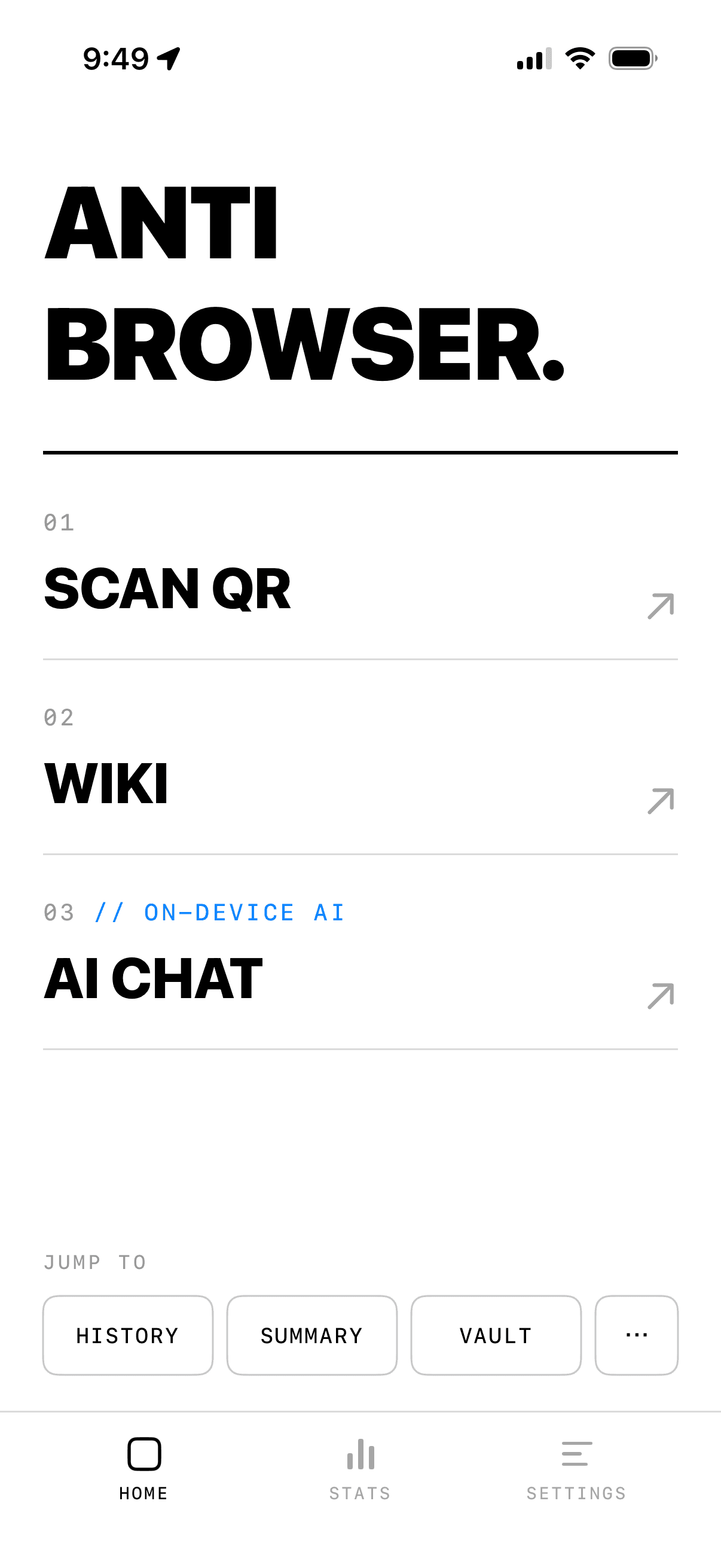
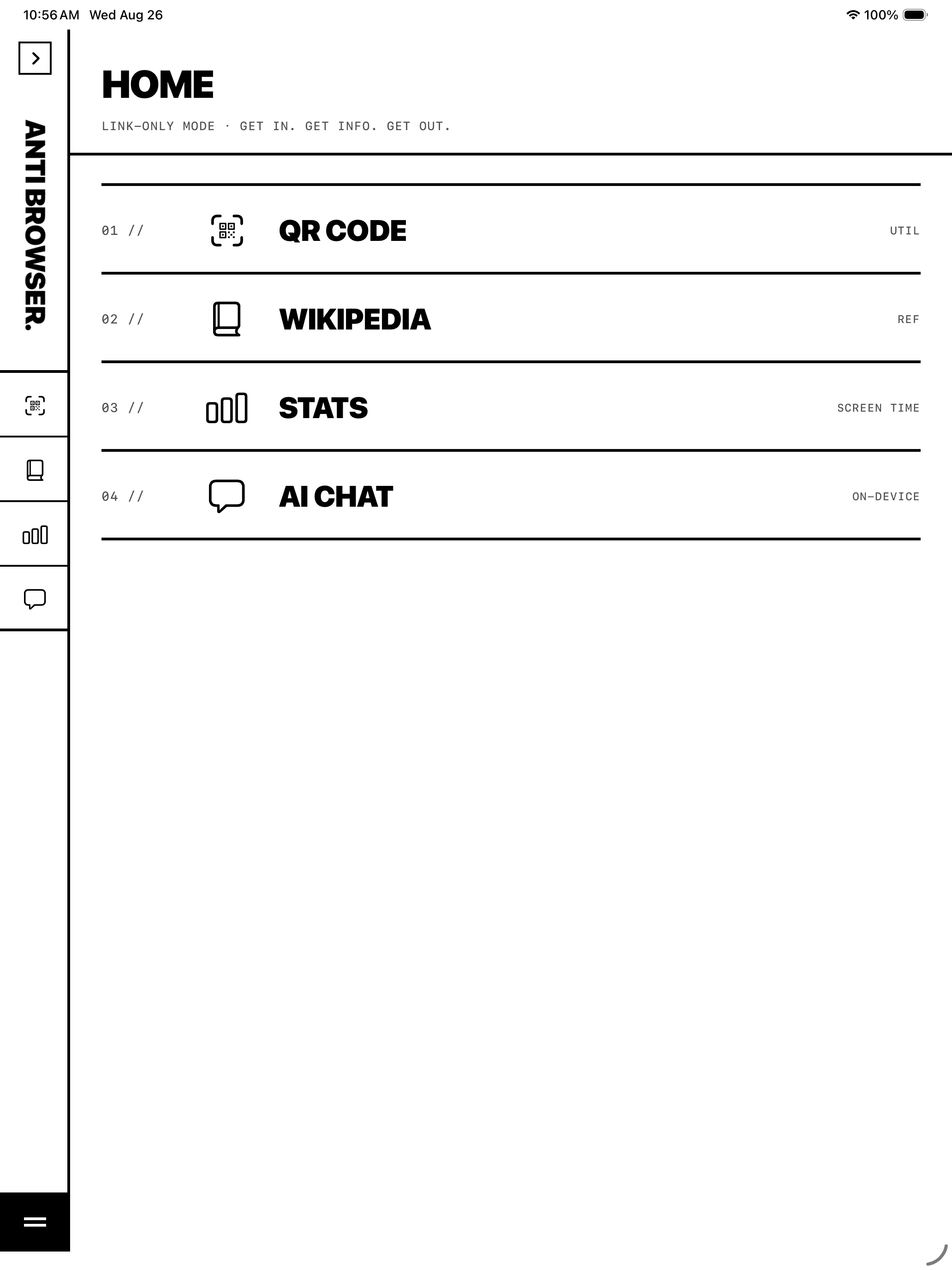
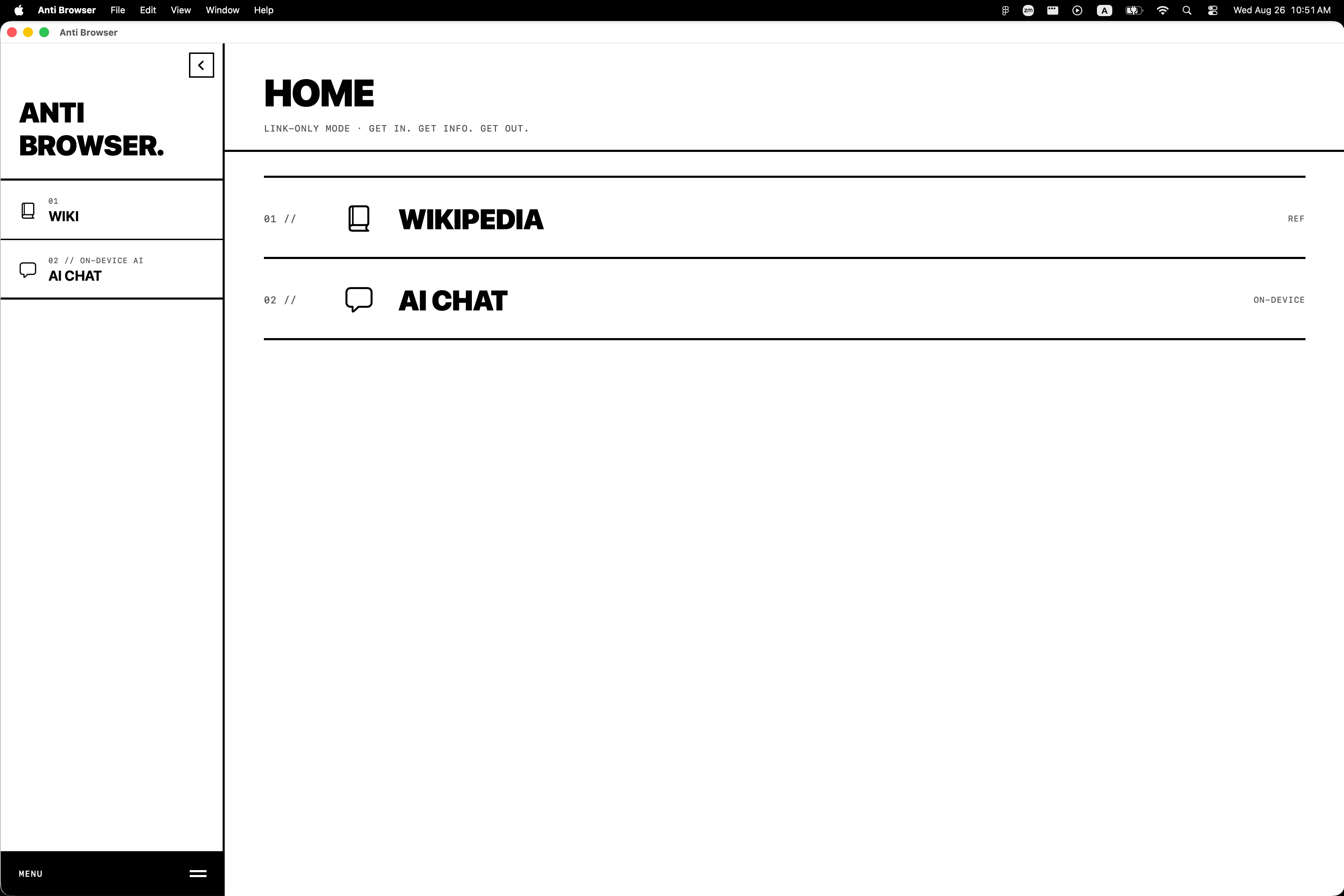
Open the app. You see a list. You tap one. You leave. There is no "explore" button because there is nothing to explore here. That's the point.

  • 01 //WikipediaREF
  • 02 //On-Device AI ChatREF
  • 03 //QR ScannerUTIL
04 // THE DIFFERENCE

What every browser does.
What we do instead.

SPEC
STANDARD BROWSER
ANTI BROWSER
Address bar
Type any URL
Removed
Search engine
Google / Bing default
Blocked
Designed for
Time on site
Time off site
05 // THE LOCKDOWN

Complete the
"dumbphone" setup.

Anti Browser includes a built-in guide to locking down your iPhone at the system level. We walk you through disabling Safari and the App Store, leaving you with a device that has all the modern conveniences — Maps, Uber, Spotify — but none of the distractions.
STEP 01/04
Set Anti Browser as your default browser.
Default.
STEP 02/04
Disable Safari via Screen Time → Allowed Apps.
Disable
Safari.
STEP 03/04
Remove the App Store. Use a parental passcode.
Lock
the store.
STEP 04/04
Delete social apps. Keep Maps, Uber, Spotify, Messages.
Keep
the tools.
06 // DOWNLOAD

Stop
scrolling.
Start living.

No analytics.  ·  No tracking.  ·  No accounts.